

'Development'
This site is built with Astro and Starlight. Follow these steps to preview changes locally.
Install dependencies
npm installStart the dev server
npm run devA local preview of the docs will be available at http://localhost:4321, with hot reload on every save.
Custom ports
By default, Astro uses port 4321. If it’s already in use, Astro automatically tries the next available port and prints the one it picked. To force a specific port:
npm run dev -- --port 3333Production build
To build the static site and preview the production output locally:
npm run buildnpm run previewnpm run build writes the static site to dist/. npm run preview serves that output locally so you can sanity-check the production build before pushing — this is also exactly what the deploy workflow runs in CI.
Deployment
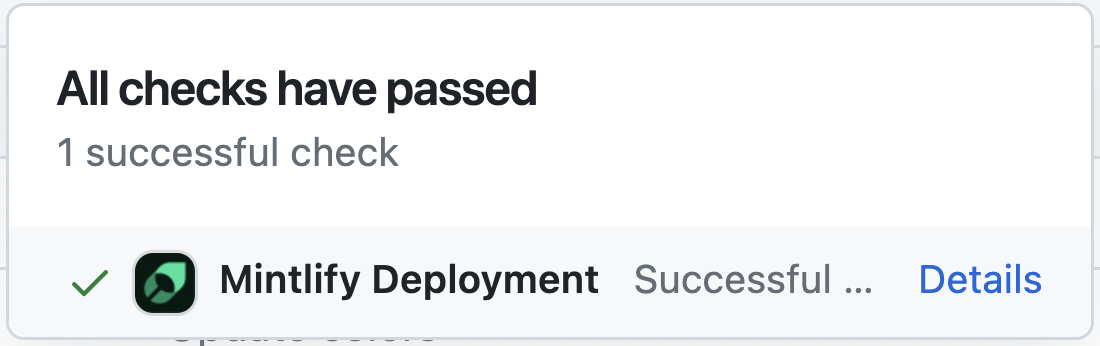
Pushing to main triggers the GitHub Actions deploy workflow (.github/workflows/deploy.yml), which builds the site and publishes it to GitHub Pages. If the deployment is successful, you should see the following:
Code formatting
We suggest using extensions on your IDE to recognize and format MDX. If you’re a VSCode user, consider the MDX VSCode extension for syntax highlighting, and Prettier for code formatting.
Troubleshooting
Error: Could not load the "sharp" module using the darwin-arm64 runtime
This may be due to an outdated version of Node. Try the following:
- Delete
node_modulesandpackage-lock.json - Upgrade to Node 18.17+ (or the latest LTS)
- Reinstall dependencies:
npm install
Issue: stale content after pulling changes
Solution: Astro caches content collection metadata under .astro/. Delete it and restart the dev server:
rm -rf .astronpm run devCurious about what changed in a given Astro/Starlight release? Check the Astro changelog or the Starlight changelog.